Your next buying step
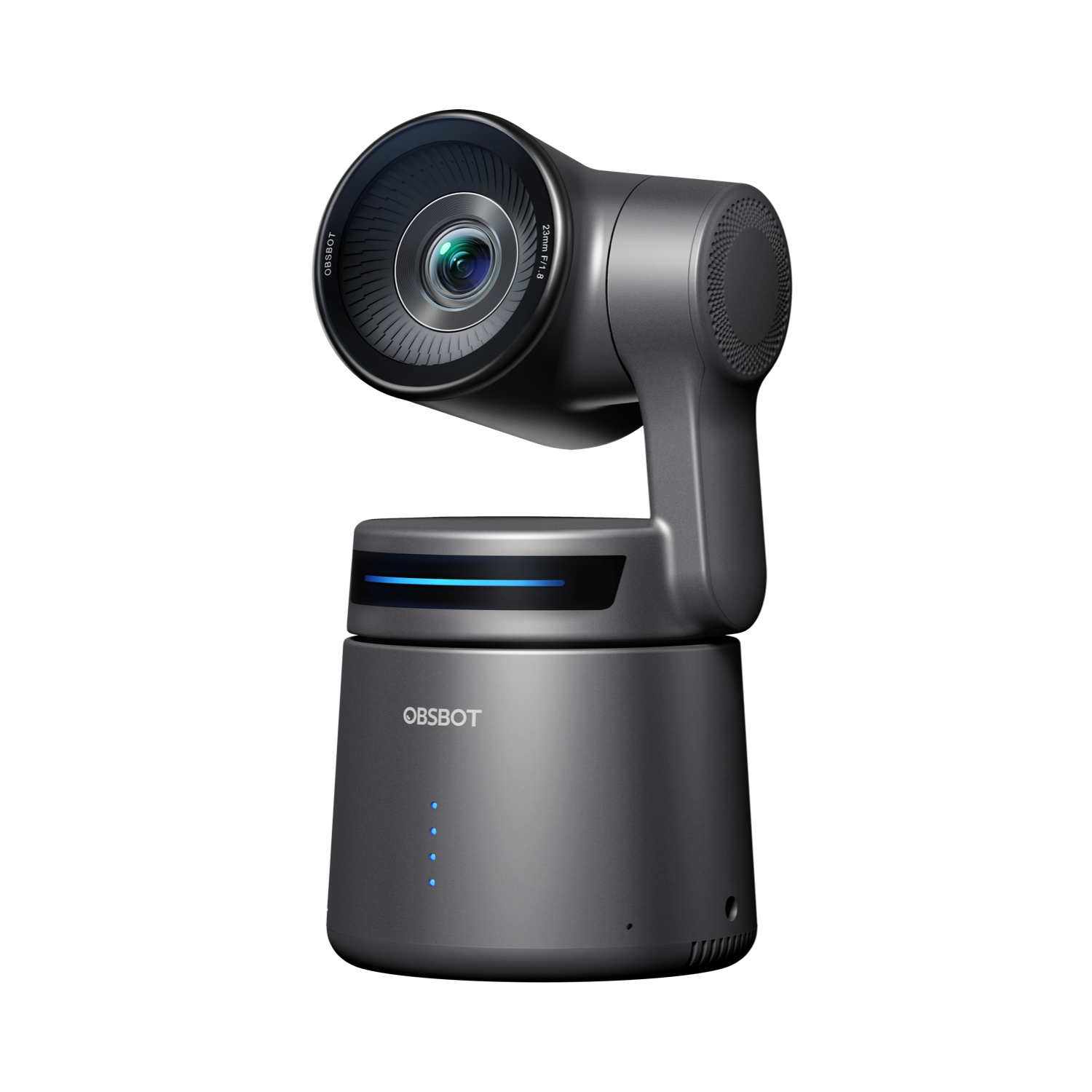
OBSBOT Tail Air 4K PTZ Streaming Camera (NDI Activated)
Model: OBSBOT Tail Air AI-Powered 4K PTZ Streaming Camera NDI Activated (U.S. SKU P.B.4.00007) · US configuration
Your choices from the finder
Review the product, then choose a seller
Compare offers for this model
A production-first PTZ camera with a documented USB-C UVC webcam mode, ToF autofocus/manual focus and two built-in MEMS microphones. OBSBOT does not publish a UVC-specific resolution/frame-rate matrix for the reviewed setup.
View this model on Amazon ↗Check the selected model, package, seller and current terms on Amazon.
As an Amazon Associate I earn from qualifying purchases. Buying links on BuyerShortlists may be affiliate links.
Assessment scenario: Compare this exact model
Check the exact model and configuration against your choices, then compare the seller and offer details.
Explore this buying guide ↗Why consider this model?
- A niche fit for someone considering a PTZ production camera that the maker explicitly supports as a USB-C UVC camera; its autofocus/manual-focus modes and integrated microphone hardware are documented. The exact UVC capture rate, USB generation, microphone endpoint, current package and mount requirements need deliberate checks.
Tradeoffs to weigh
- It is larger and more involved than a typical monitor webcam. The UVC mode disables the camera's NDI, recording, HDMI, RTSP and live-stream outputs; manufacturer-wide 4K30/1080p60 camera figures are not a UVC mode table. No integrated shutter or TAA status is established, and the built-in microphone's computer audio endpoint is not explicitly confirmed.
Check these before ordering
- Confirm the exact model, generation, size and configuration in the offer.
- Compare your selected requirements with the detailed review before ordering.
- Check included accessories, seller, current availability and return terms.
Manufacturer information
- OBSBOT Tail Air U.S. store selector: NDI Activated Edition
- OBSBOT Tail Air U.S. store selector: Standard Edition P.B.4.00001
- Set Your Tail Air as a Webcam
- OBSBOT Tail Air User Manual English v1.1
- Select Your Video Output of OBSBOT Tail Air
- OBSBOT product comparison: Tail 2 and Tail Air
- OBSBOT Tail Air support and software requirements
- OBSBOT Tail Air FAQ