Your next buying step
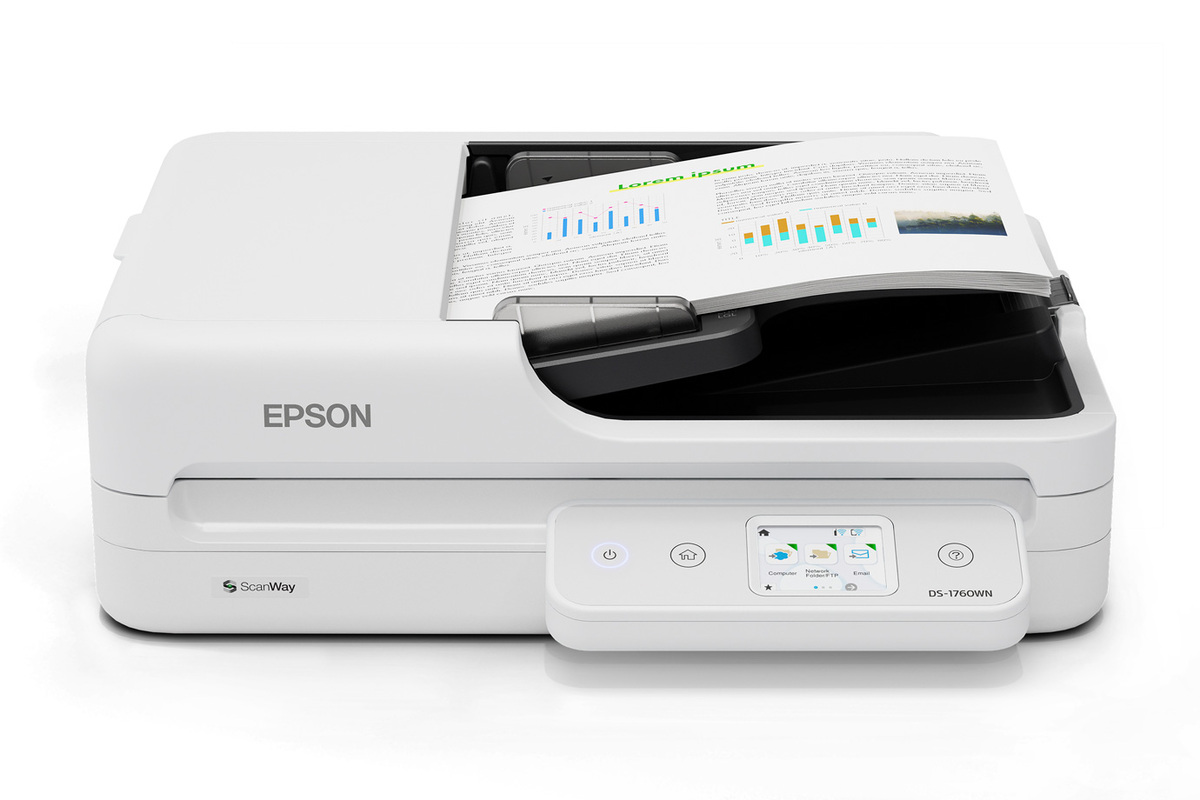
Epson DS-1760WN Network Flatbed Document Scanner
Model: DS-1760WN Network Flatbed Color Duplex Document Scanner (U.S. part B11B274201) · US configuration
Your choices from the finder
Review the product, then choose a seller
Compare offers for this model
A flatbed/A4 platen with a 60-sheet duplex ADF, USB, Wi-Fi and Ethernet, a 2.4-inch touchscreen and configured ScanWay destinations.
Search this model on Amazon ↗Search results may include other models. Confirm the exact model, size and included accessories before ordering.
As an Amazon Associate I earn from qualifying purchases. Buying links on BuyerShortlists may be affiliate links.
Assessment scenario: Compare this exact model
Check the exact model and configuration against your choices, then compare the seller and offer details.
Explore this buying guide ↗Why consider this model?
- A candidate for a small-workgroup desk that needs both a duplex document stack and a glass platen for books, IDs, passports or delicate originals, plus wired/wireless choices or configured panel destinations.
Tradeoffs to weigh
- The ADF is 60 sheets at 80 g/m², not a 100-sheet class, and its long-sheet limit falls with resolution. The flatbed is only 8.5 by 11.7 inches; it does not provide a separately selected manual-feed path. Mobile apps, network sharing and computer-free cloud depend on compatible devices, network/internet, accounts and advance configuration.
Check these before ordering
- Confirm the exact model, generation, size and configuration in the offer.
- Compare your selected requirements with the detailed review before ordering.
- Check included accessories, seller, current availability and return terms.
Manufacturer information
- Epson U.S.: DS-1760WN Network Flatbed Color Duplex Document Scanner
- Epson DS-1760WN Specification Sheet CPD-65830R1
- Epson U.S. Support: DS-1760WN B11B274201
- Epson DS-1760WN U.S. User's Guide: ADF originals needing attention
- Epson DS-1760WN U.S. User's Guide: Scan-to-Cloud workflow
- Epson DS-1760WN U.S. User's Guide: Epson Smart Panel