Your next buying step
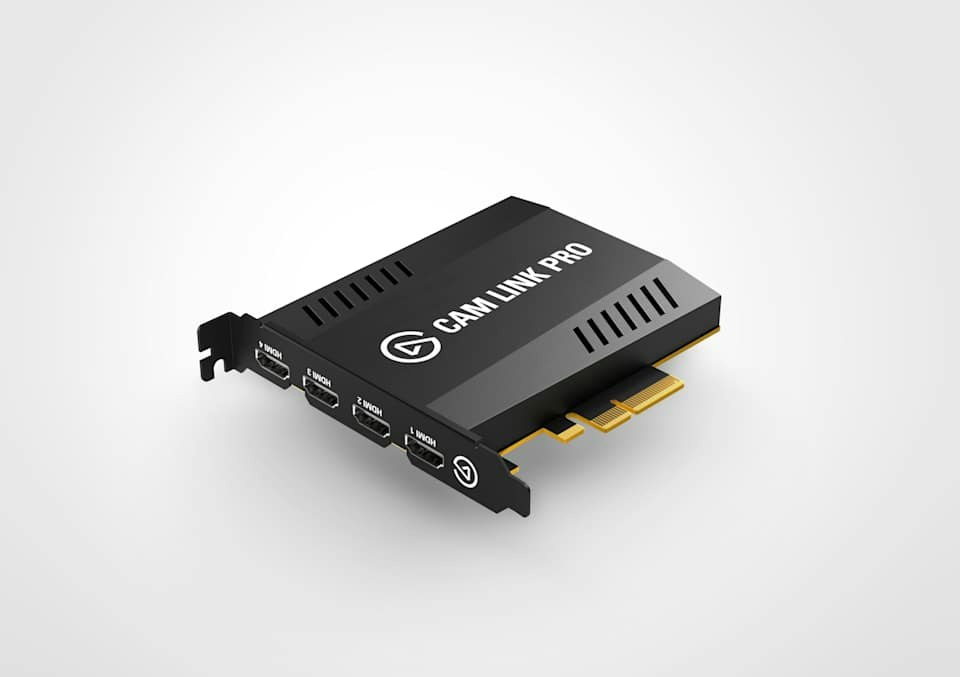
Elgato Cam Link Pro
Model: Cam Link Pro · US configuration
Your choices from the finder
Review the product, then choose a seller
Compare offers for this model
Earlier Windows PCIe capture card with four separate unencrypted HDMI inputs, OBS/4K Capture Utility support and built-in Multiview; capture modes top out at 1080p60 or 4K30, with no HDMI passthrough output.
Search this model on Amazon ↗Search results may include other models. Confirm the exact model, size and included accessories before ordering.
As an Amazon Associate I earn from qualifying purchases. Buying links on BuyerShortlists may be affiliate links.
Assessment scenario: Compare this exact model
Check the exact model and configuration against your choices, then compare the seller and offer details.
Explore this buying guide ↗Why consider this model?
- An earlier, internally installed option for a Windows desktop production setup that needs several clean HDMI sources as separate capture devices or a single four-feed Multiview source.
Tradeoffs to weigh
- Elgato's support page labels Cam Link Pro Legacy/EOL. It is Windows-only, requires a desktop PCIe 2.0 x4 bandwidth path, has no HDMI passthrough output, and its listed input/capture modes do not reach 4K60 recording.
Check these before ordering
- Confirm the exact model, generation, size and configuration in the offer.
- Compare your selected requirements with the detailed review before ordering.
- Check included accessories, seller, current availability and return terms.
Manufacturer information
- Cam Link Pro — official US product page, SKU and technical specifications
- Cam Link Pro — official system requirements
- Cam Link Pro — official OBS Studio setup guide; manufacturer marks this product Legacy/EOL
- Cam Link Pro — official supported applications and DirectShow interface
- All about PCIe — Elgato slot size and lane-width explanation